
How to Print with TPU: Tips for Successful Flexible 3D Prints
Flexible 3D printing has revolutionized the way makers, hobbyists, and professionals create functional, adaptable parts, and TPU (Thermoplastic Polyurethane) stands out as the most versatile and accessible flexible filament on the market. If you’re looking to master How to Print with TPU: Tips for Successful Flexible 3D Prints, you’re in the right place—this guide will walk you through every step, from choosing the right TPU filament to troubleshooting common issues, ensuring your flexible 3D prints are consistent, durable, and true to your design. Whether you’re a beginner trying TPU for the first time or an experienced printer looking to refine your technique, understanding How to Print with TPU: Tips for Successful Flexible 3D Prints is key to unlocking the full potential of this remarkable material. TPU’s unique combination of flexibility, durability, and printability makes it ideal for everything from phone cases and wearables to industrial gaskets and medical devices, but it requires specific techniques to print successfully—techniques we’ll break down in detail here. Unlike rigid filaments like PLA or PETG, TPU’s soft, elastic nature presents unique challenges, but with the right tips and tricks, anyone can achieve professional-quality flexible 3D prints with TPU.
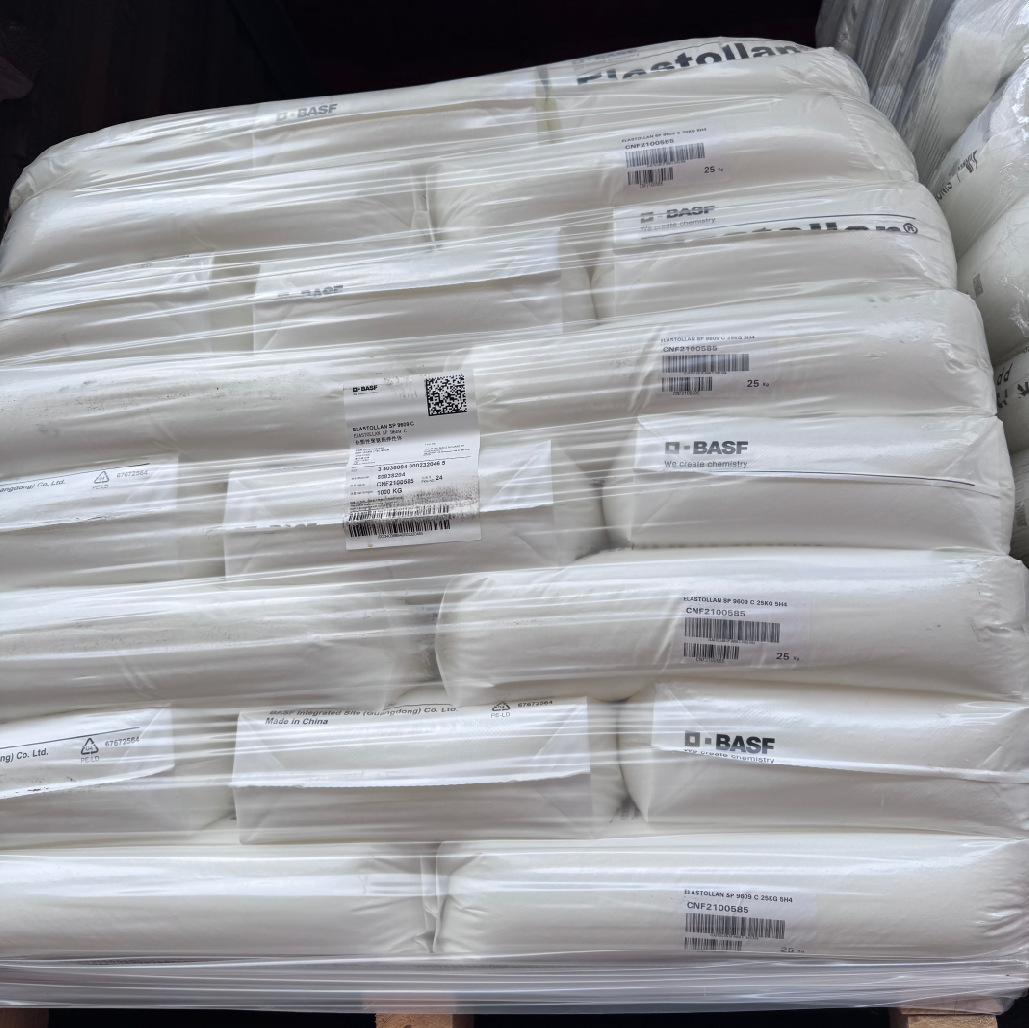
Before diving into the step-by-step tips for successful TPU 3D printing, it’s critical to understand what TPU is, why it’s different from rigid filaments, and why it requires specialized handling. TPU is a thermoplastic elastomer that blends the properties of plastic and rubber: it’s flexible enough to bend, stretch, and rebound without breaking, yet durable enough to withstand repeated use and minor impacts. This unique molecular structure—long, flexible polymer chains that can move freely when heated and lock into place when cooled—sets TPU apart from rigid filaments, which have a rigid, crystalline structure that makes them strong but brittle. When heated, TPU melts into a viscous liquid that can be extruded through a 3D printer nozzle, but it cools quickly to form a flexible, elastic solid. This rapid cooling is both a benefit and a challenge: it allows for fast print times, but it can also lead to poor layer adhesion if the layers don’t have enough time to bond. Additionally, TPU’s viscosity means it’s more prone to stringing (thin strands of plastic between print features) and oozing (uncontrolled extrusion during non-print moves) than rigid filaments. Understanding these properties is critical to implementing the tips in How to Print with TPU: Tips for Successful Flexible 3D Prints, as each setting and technique is designed to address TPU’s unique characteristics.
One of the most common mistakes beginners make when printing with TPU is treating it like a rigid filament—using the same settings as PLA or PETG and expecting similar results. This often leads to frustration: jams in the extruder, stringing between layers, poor layer adhesion, or prints that are too stiff or brittle. The truth is, TPU’s flexibility is both its greatest strength and its biggest challenge. To print TPU successfully, you need to adjust your printer’s mechanics, slicer settings, and printing technique to accommodate its unique properties. For example, TPU requires slower print speeds to prevent the filament from stretching or breaking in the extruder, and it often benefits from reduced retraction to avoid oozing. In this guide, we’ll explain why each tip is important, not just how to implement it, so you can understand the science behind successful TPU printing and adapt to different TPU types and printer models. Whether you’re using a direct-drive or Bowden extruder, a budget printer or a high-end industrial model, the tips in How to Print with TPU: Tips for Successful Flexible 3D Prints will help you achieve consistent, high-quality flexible prints every time. We’ll also include real-world case studies, step-by-step tutorials, detailed comparisons, and a comprehensive FAQ section to answer all your TPU printing questions.
Understanding TPU: What It Is and Why It’s Perfect for Flexible 3D Prints
To master How to Print with TPU: Tips for Successful Flexible 3D Prints, you first need to understand the material itself. TPU, or Thermoplastic Polyurethane, is a type of thermoplastic elastomer (TPE) that’s widely used in 3D printing due to its unique balance of flexibility, durability, and printability. Unlike other flexible filaments like TPE (Thermoplastic Elastomer) or flexible PLA, TPU offers superior elasticity, abrasion resistance, and chemical resistance, making it suitable for both functional and decorative applications. TPU is available in a range of hardness levels, measured on the Shore A scale, which determines how flexible or rigid the final print will be. Lower Shore A values (e.g., 60A) mean the TPU is very soft and rubbery, similar to a silicone bracelet, while higher values (e.g., 95A) mean it’s stiffer, closer to a hard rubber or soft plastic. This versatility is one of TPU’s greatest advantages—you can choose the perfect hardness for your project, whether you’re printing a soft grip for a tool, a flexible phone case, or a rigid-but-resilient industrial gasket. Additionally, TPU is compatible with most FDM (Fused Deposition Modeling) 3D printers, making it accessible to hobbyists and professionals alike.
Why is TPU different from rigid filaments? The key difference lies in its molecular structure. Rigid filaments like PLA and PETG have a rigid, crystalline structure that makes them strong but brittle, while TPU has a flexible, amorphous structure with long polymer chains that can stretch and bend without breaking. This structure allows TPU to absorb impact, rebound from deformation, and maintain its shape over time—properties that make it ideal for functional parts that need to withstand stress or movement. When heated to its melting point (typically 210–250°C), TPU’s polymer chains loosen, allowing it to flow through the printer nozzle. As it cools, the chains reattach, forming a flexible, elastic solid. This rapid cooling is beneficial for print speed but can cause issues if the layers don’t have enough time to bond—hence the need for specific print settings to optimize layer adhesion. TPU’s viscosity is another key factor: it’s thicker than PLA or PETG, which means it flows more slowly and is more prone to oozing during non-print moves. This is why retraction settings are critical when printing with TPU, as we’ll explore later in this guide. Understanding these properties will help you apply the tips in How to Print with TPU: Tips for Successful Flexible 3D Prints more effectively, as you’ll know exactly why each adjustment is necessary.
A real-world example: A small business owner specializing in custom wearables uses TPU to print flexible wristbands and fitness trackers. They initially tried using flexible PLA but found that the prints were too brittle and lost their flexibility over time—after a few weeks of wear, the wristbands would crack or stretch permanently. After switching to TPU (85A hardness), they noticed a dramatic improvement: the wristbands could stretch to fit different wrist sizes (up to 50% of their original length), rebound to their original shape, and withstand daily wear and tear. The business owner noted that TPU’s durability also reduced waste, as fewer prints failed due to breakage—from a 30% failure rate with flexible PLA to less than 5% with TPU. This example highlights why TPU is the preferred choice for flexible 3D prints—and why learning how to print it correctly is essential for achieving professional results. Another case study comes from a mechanical engineer who uses TPU to print custom gaskets for industrial machinery. The TPU gaskets are resistant to oil, water, and high temperatures (up to 80°C), making them ideal for sealing moving parts, and their flexibility allows them to fit into irregularly shaped gaps that rigid gaskets can’t accommodate. The engineer reports that TPU gaskets last 3x longer than traditional rubber gaskets, reducing maintenance costs for their clients.
TPU vs. Other Flexible Filaments: Which Is Right for You?
When it comes to flexible 3D printing, TPU is not the only option—but it is the most popular and versatile. To help you make an informed decision, let’s compare TPU to other common flexible filaments, highlighting their pros and cons. This will help you understand why TPU is often the best choice for most flexible projects, and when you might consider an alternative. Remember, the goal of How to Print with TPU: Tips for Successful Flexible 3D Prints is to help you choose the right material for your project, not just master the printing process. Each flexible filament has its own strengths and weaknesses, and the right choice depends on your project’s requirements, your printer’s capabilities, and your experience level.
- TPU vs. TPE: TPE is a softer, more rubber-like filament than TPU, with lower Shore A values (typically 50A–80A). It’s more flexible than TPU but less durable and more difficult to print. TPE is prone to jamming in Bowden extruders (due to its softness) and requires even slower print speeds than TPU—often as low as 10–20mm/s. TPE is ideal for projects that require extreme flexibility, like silicone-like grips, soft toys, or cushioning pads, but TPU is better for functional parts that need both flexibility and durability. For example, a TPE toy will be softer to the touch but may tear with rough play, while a TPU toy will be slightly stiffer but more resilient. TPE also has poor chemical resistance, making it unsuitable for parts that come into contact with oils or cleaning products.
- TPU vs. Flexible PLA: Flexible PLA is a modified version of PLA that adds flexibility, but it’s still much stiffer than TPU (typically 90A–95A). It’s easier to print than TPU (since it uses similar settings to standard PLA) but has poor elasticity—flexible PLA prints will stretch but won’t rebound to their original shape, and they’re prone to breaking with repeated bending. Flexible PLA is a good entry option for beginners who want to try flexible printing without the complexity of TPU, but it’s not suitable for functional parts. For example, a flexible PLA phone case will protect your phone from minor scratches but will crack if dropped, while a TPU phone case will absorb the impact and rebound. Flexible PLA also has low heat resistance (softening at 60°C), making it unsuitable for outdoor or high-temperature applications.
- TPU vs. TPC (Thermoplastic Copolyester): TPC is a high-performance flexible filament that offers better heat resistance and chemical resistance than TPU, but it’s more expensive and harder to print. TPC can withstand temperatures up to 120°C, making it ideal for industrial applications like automotive parts or high-temperature gaskets. However, TPC requires higher printing temperatures (240–260°C) and more precise settings, making it less accessible for hobbyists. TPU is more affordable and easier to print, making it the better choice for most hobbyist and small business projects. For example, a TPC gasket might be used in a car engine (where temperatures are high), while a TPU gasket is perfect for a household appliance (where temperatures are moderate).
The table below summarizes the key differences between TPU and other flexible filaments, helping you choose the right material for your project. This table is designed to be a quick reference, so you can compare the materials at a glance and make an informed decision before you start printing.
| Filament Type | Shore A Hardness Range | Flexibility (Elasticity) | Durability (Abrasion/Chemical Resistance) | Print Difficulty | Heat Resistance (Softening Temp) | Ideal Use Cases |
|---|---|---|---|---|---|---|
| TPU | 60A–95A | High (stretches 200–500%, rebounds fully) | High (resistant to oil, water, abrasion) | Moderate (requires slow speeds, adjusted retraction) | 70–85°C | Phone cases, gaskets, wearables, tool grips, medical devices |
| TPE | 50A–80A | Very High (stretches 300–600%, soft rubber-like) | Low (prone to tearing, poor chemical resistance) | High (prone to jamming, slow speeds required) | 60–70°C | Soft toys, silicone-like grips, cushioning pads |
| Flexible PLA | 90A–95A | Low (stretches 50–100%, no rebound) | Low (brittle with repeated bending, poor chemical resistance) | Low (uses PLA settings) | 60°C | Decorative flexible parts, non-functional prototypes |
| TPC | 70A–90A | High (stretches 200–400%, rebounds fully) | Very High (resistant to high temps, chemicals, abrasion) | Very High (high temps, precise settings) | 100–120°C | Automotive parts, industrial seals, high-temp gaskets |

Step 1: Choose the Right TPU Filament for Your Project
The first step in mastering How to Print with TPU: Tips for Successful Flexible 3D Prints is choosing the right TPU filament. Not all TPU is created equal—different brands, hardness levels, and formulations will perform differently, and the right choice depends on your project’s needs. In 2026, the TPU market is diverse, with options ranging from budget-friendly consumer-grade filaments to high-performance industrial-grade materials, each optimized for specific printers and applications. Choosing the wrong TPU can lead to print failures, poor performance, and frustration, even if you follow all the other tips in this guide. Below, we’ll break down the key factors to consider when choosing TPU, along with recommendations for the best TPU filaments in 2026, based on compatibility, performance, and value. We’ll also explain why each factor matters, so you can make an informed decision that aligns with your project goals.
Key Factors to Consider When Choosing TPU Filament
When selecting TPU filament, there are four critical factors to consider: hardness (Shore A rating), diameter tolerance, formulation (pure vs. modified), and compatibility with your printer. Each of these factors directly impacts print quality and ease of use, so it’s important to evaluate them carefully before making a purchase. Let’s break down each factor in detail, explaining why it matters and how to choose the right option for your project.
1. Hardness (Shore A Rating)
As mentioned earlier, TPU’s hardness is measured on the Shore A scale, which ranges from 0A (very soft, like gel) to 100A (hard, like rigid plastic). For most 3D printing projects, the ideal Shore A range is 60A–95A, with different hardness levels suited for different applications. Why does hardness matter? It determines how flexible, durable, and functional your print will be. A softer TPU (60A–70A) is ideal for projects that require extreme flexibility, while a stiffer TPU (85A–95A) is better for parts that need more structure and durability. Here’s a detailed breakdown of the most common hardness levels and their ideal use cases, based on real-world applications and industry best practices: