
Creating Stunning Multi-Color Models with Rainbow PLA
In the world of desktop fabrication, Creating Stunning Multi-Color Models with Rainbow PLA has become one of the most exciting and accessible ways to produce visually striking 3D prints without complex multi-extruder systems. Whether you are a hobbyist, designer, or commercial creator, mastering Creating Stunning Multi-Color Models with Rainbow PLA allows you to achieve vibrant gradient effects, artistic finishes, and professional-looking models using a single filament spool. This comprehensive guide will walk you through everything from material understanding to advanced techniques, ensuring you can consistently produce eye-catching, high-quality prints.
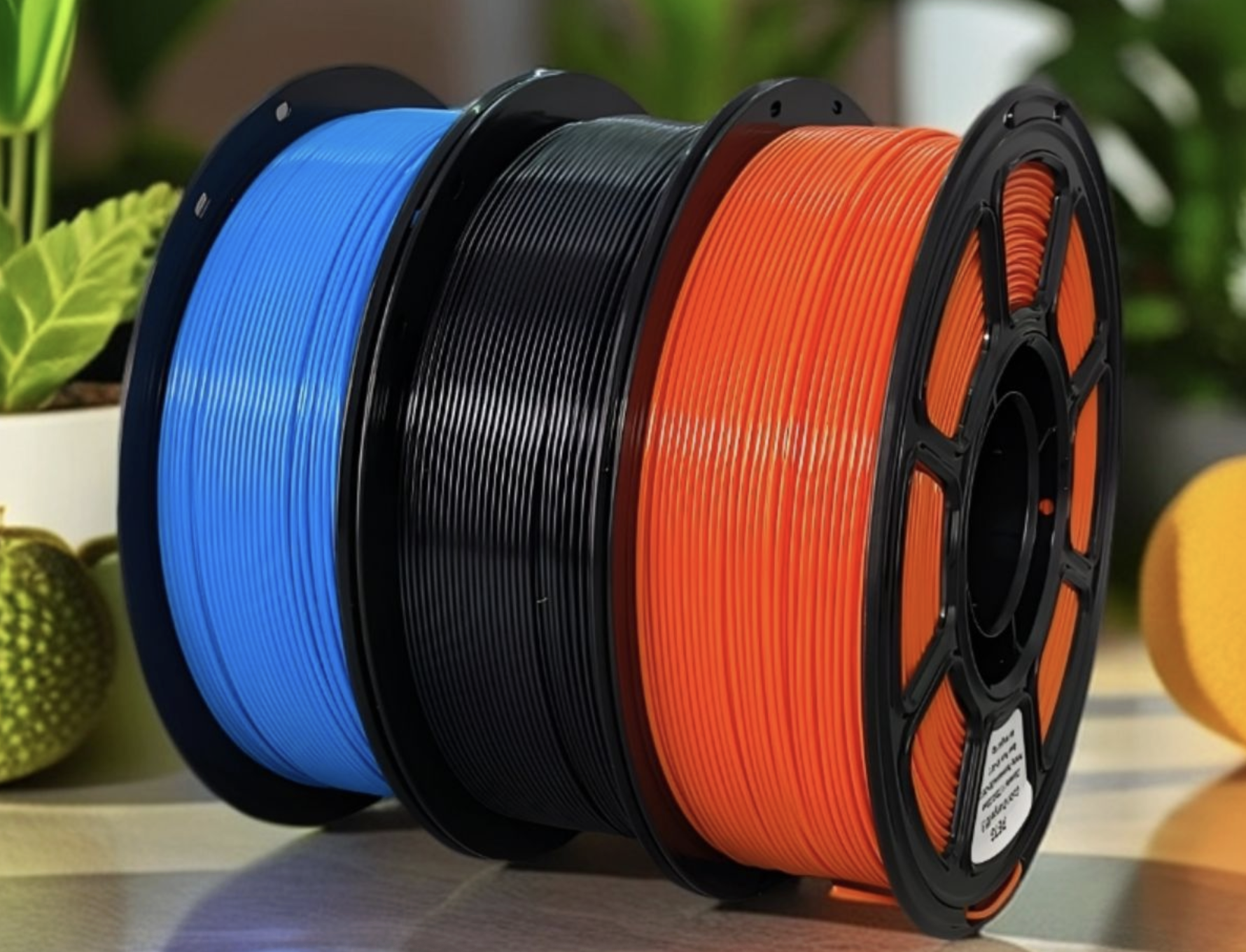
What Is Rainbow PLA and Why It Matters
Rainbow PLA is a type of polylactic acid filament that gradually shifts between multiple colors along its length. Unlike standard PLA, which has a single consistent color, Rainbow PLA creates automatic color transitions during printing.
Why Rainbow PLA Is Unique
- No need for multi-extruder printers
- Natural gradient transitions
- Ideal for decorative and artistic prints
- Easy to use compared to complex color systems
Why it matters:
This material democratizes multi-color printing, allowing even beginners to explore advanced visual designs without upgrading hardware.
Understanding Color Transition Mechanics in Creating Stunning Multi-Color Models with Rainbow PLA
How Color Changes Occur
Rainbow PLA changes color based on filament length, not layer height. This means:
- Larger models = more color variation
- Smaller models = limited color transitions
Why:
The filament is manufactured with long color segments, so the print must consume enough material to reveal multiple colors.
Key Insight
If you want more color variation:
- Increase model size
- Adjust print orientation
- Use spiral or continuous designs
Essential Printer Settings for Creating Stunning Multi-Color Models with Rainbow PLA
Recommended Settings Table
| Setting | Recommended Value | Why It Matters |
|---|---|---|
| Nozzle Temp | 190–220°C | Ensures smooth extrusion |
| Bed Temp | 50–60°C | Improves adhesion |
| Print Speed | 40–60 mm/s | Maintains consistent color flow |
| Layer Height | 0.1–0.2 mm | Enhances detail |
Why These Settings Work
Consistent extrusion is critical when Creating Stunning Multi-Color Models with Rainbow PLA, because uneven flow can disrupt color transitions and create visual inconsistencies.
Step-by-Step Guide: Creating Stunning Multi-Color Models with Rainbow PLA
Step 1: Choose the Right Model
Select models that:
- Have continuous surfaces
- Are tall or wide enough
- Include curves or spirals
Why:
Complex geometry enhances color blending and gradient effects.
Step 2: Optimize Model Orientation
Rotate your model to control how colors appear.
Example:
- Vertical prints → smooth gradient layers
- Horizontal prints → striped color bands
Step 3: Slice with Precision
Use slicing software to:
- Adjust layer height
- Enable vase mode (for continuous flow)
- Preview filament usage
Step 4: Control Print Speed
Keep speed consistent to avoid uneven color distribution.
Why:
Sudden speed changes can cause irregular color transitions.
Step 5: Monitor Filament Flow
Ensure:
- No tangling
- Smooth feeding
- Stable spool rotation
Step 6: Post-Processing
Enhance your model with:
- Sanding
- Polishing
- Clear coating
Why:
These steps amplify the vibrancy of color transitions.
Visual Examples and Media Suggestions
Image Ideas
- Before vs after polished Rainbow PLA
- Vertical vs horizontal color transitions
Infographic Concept
“How Rainbow PLA Color Flows Through a Model”
Video Suggestion
- Time-lapse of a rainbow print
- Comparison between standard PLA and Rainbow PLA
Real-World Case Study: Art Sculpture Project
A digital artist wanted to create a spiral sculpture with dynamic color transitions.
Approach:
- Used Rainbow PLA
- Printed in vase mode
- Increased height to maximize color variation
Result:
- Smooth gradient from blue → purple → gold
- No visible layer defects
- Gallery-ready finish
Insight:
This demonstrates how Creating Stunning Multi-Color Models with Rainbow PLA can elevate simple designs into premium visual pieces.
Different Methods for Creating Multi-Color Effects
Method 1: Natural Gradient Printing
Pros:
- Easy
- No extra setup
Cons:
- Limited control over color placement
Method 2: Strategic Model Scaling
Pros:
- Better color distribution
Cons:
- Increases material usage
Method 3: Print Pausing Technique
Pause the print and manually change filament.
Pros:
- Full color control
Cons:
- Interrupts workflow
- Risk of defects
Advanced Techniques for Professionals
Use Spiral/Vase Mode
Creates continuous extrusion, enhancing smooth gradients.
Combine with Lighting
Transparent Rainbow PLA with LED lighting creates stunning effects.
Multi-Part Assembly
Print parts separately to control color placement.
Common Mistakes and How to Avoid Them
Mistake 1: Printing Small Models
Problem: No visible color change
Solution: Increase size
Mistake 2: Inconsistent Speed
Problem: Uneven color bands
Solution: Maintain steady speed
Mistake 3: Poor Orientation
Problem: Random color placement
Solution: Plan orientation carefully
FAQ: Creating Stunning Multi-Color Models with Rainbow PLA
Q1: Why don’t I see multiple colors in my print?
Because your model is too small or doesn’t use enough filament.
Q2: Can I control exact color placement?
Not precisely, but orientation and scaling help influence it.
Q3: Is Rainbow PLA harder to print than regular PLA?
No, it uses similar settings, making it beginner-friendly.
Q4: Does print speed affect color?
Yes, inconsistent speed can distort transitions.
Q5: What models work best?
Tall, spiral, or organic shapes.
Conclusion
Mastering Creating Stunning Multi-Color Models with Rainbow PLA opens up a world of creative possibilities without requiring expensive hardware. By understanding how filament color transitions work, optimizing your print settings, and experimenting with different techniques, you can consistently produce visually stunning, professional-quality models. Whether for art, business, or personal projects, the ability to excel at Creating Stunning Multi-Color Models with Rainbow PLA will set your work apart in the growing field of 3D printing.
Tags & Keywords
RainbowPLA,MultiColor3DPrinting,3DPrintingTips,PLAFilamentGuide,Gradient3DPrint,3DPrintingMaterials,Creative3DPrinting,FDMPrintingGuide,ColorTransitionPLA,3DPrintDesign